WhatsApp Business API vs WhatsApp Business App: Which Is Right for Your Business?
Compare WhatsApp Business API vs WhatsApp Business App across features, automation, CRM, team management, campaigns, cost and business use cases.
WhatsApp Business API vs WhatsApp Business App: Which Is Right for Your Business?
WhatsApp Business App and WhatsApp Business API are designed for different business needs. The app is built around direct, manual business communication, while the API is designed to connect WhatsApp with software, automation, teams and business workflows.
This guide compares both options across setup, team management, automation, CRM integration, templates, campaigns, scalability, cost considerations and business use cases so you can choose the setup that fits your actual workflow.
Quick Answer: WhatsApp Business App or API?
The WhatsApp Business App is generally suited to small businesses that manage customer conversations mostly through direct, manual communication. The WhatsApp Business Platform and APIs are designed for businesses that need software integrations, structured automation, team workflows and larger-scale communication.
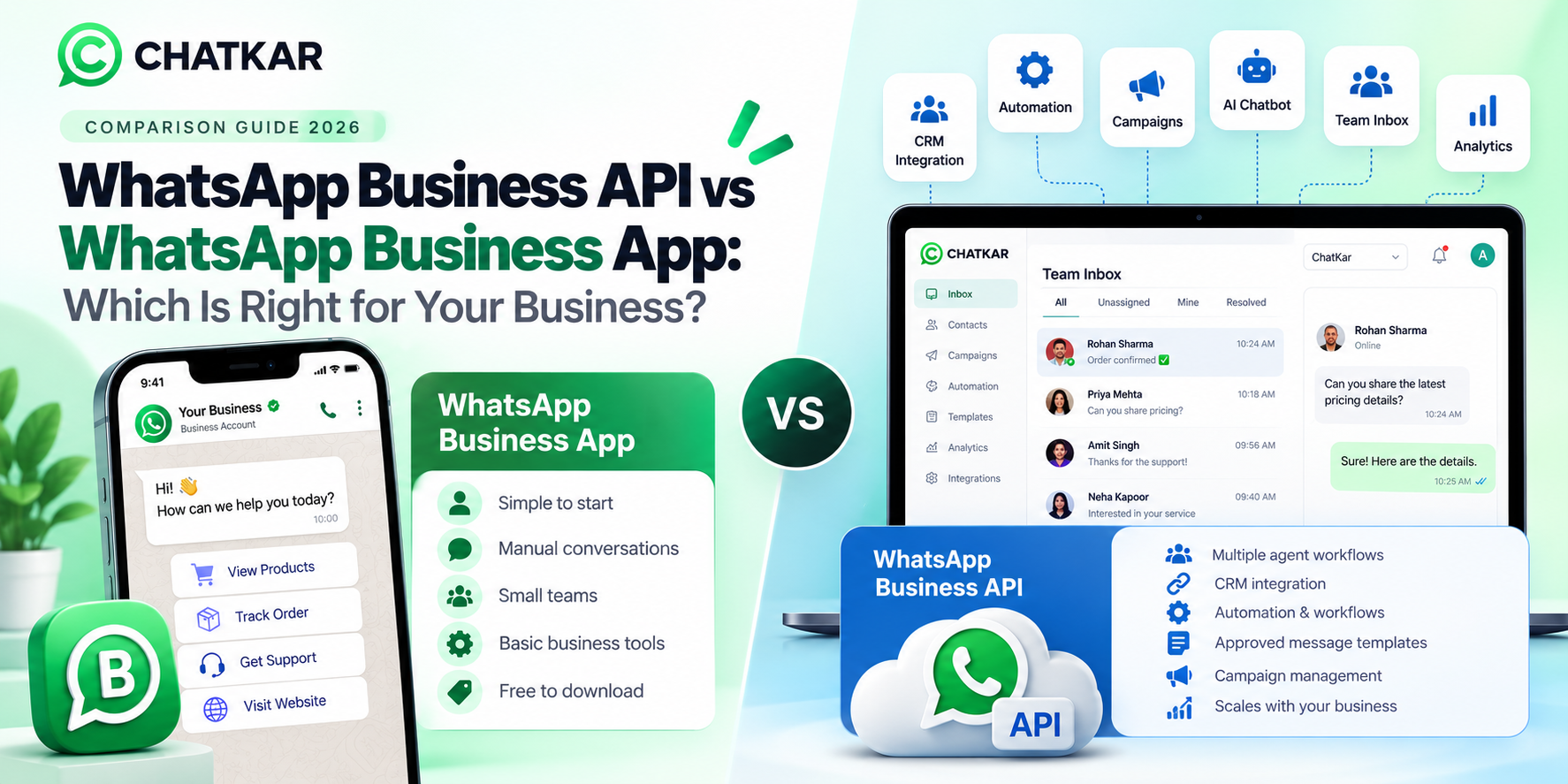
WhatsApp Business App
- Simple business communication
- Mostly manual conversations
- Small teams or individual owners
- Basic business messaging tools
- Quick customer responses
- Lower operational complexity
WhatsApp Business API
- Multiple-agent workflows
- CRM and software integration
- Automation and workflows
- Approved message templates
- Campaign management
- AI and chatbot integrations
What Is WhatsApp Business App?
WhatsApp Business is a free-to-download app designed with small businesses in mind. WhatsApp describes the app as providing business-oriented tools such as a business profile, contact organization and messaging tools for communicating with customers.
It is intended to feel familiar to people already using WhatsApp, making it practical for businesses that want to communicate with customers directly without building a larger software-based communication system.
Common Business App Use Cases
- Answering customer questions
- Sharing product or service information
- Managing simple customer conversations
- Sending quick replies
- Using greeting or away messages
- Maintaining a business profile
- Managing a relatively simple customer communication workflow
Features and availability can vary by country, platform and WhatsApp's current product offerings.
What Is WhatsApp Business API?
The WhatsApp Business Platform includes the WhatsApp Business APIs, including the Cloud API hosted by Meta.
The important difference is that an API is not primarily a mobile app interface. It is a communication layer that can connect WhatsApp with software and business systems.
This makes API-based WhatsApp communication suitable for companies that want customer messaging to become part of a wider business workflow.
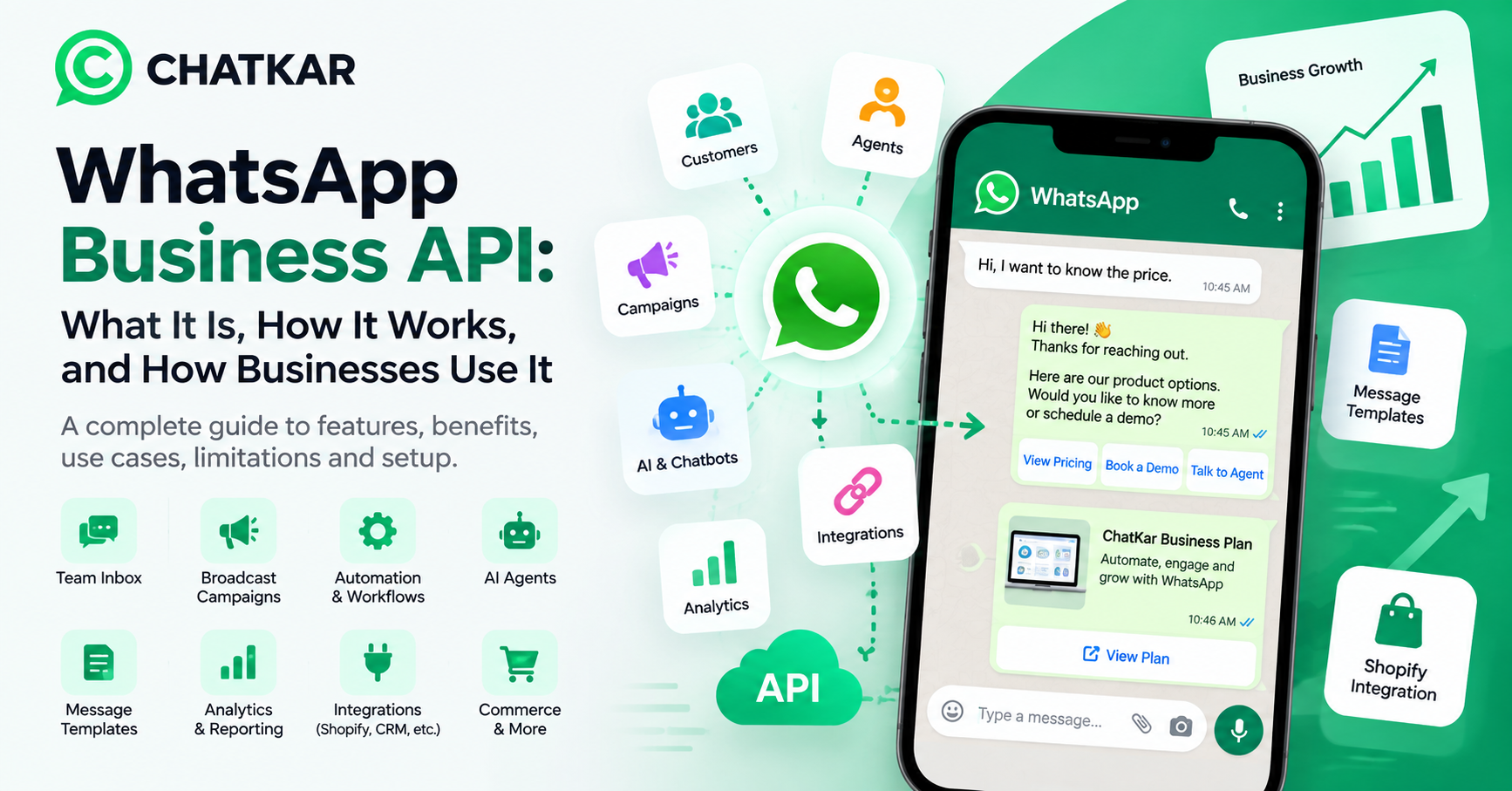
For a deeper explanation of the API itself, see: What Is WhatsApp Business API?
WhatsApp Business App vs API: Complete Comparison
The differences become clearer when both options are compared by actual business requirements.
Which Is Better for Multiple Employees?
This depends on the team's operating model.
A business with one owner or a very small number of people may be able to manage customer conversations directly through the Business App.
A growing sales or support team often needs something more structured:
Decide who handles each conversation.
Send leads to the appropriate team.
Keep team communication separate from customer replies.
Keep communication connected to the customer record.
ChatKar currently provides a shared team inbox with capabilities such as assignments, routing, internal notes, SLA workflows and AI-agent support.
Which Is Better for WhatsApp Automation?
If your business wants WhatsApp to trigger actions automatically, an API-connected system usually makes more sense.
This type of workflow requires business logic, software integration and automation tools that go beyond simple manual chat management.
ChatKar provides flow automation, keyword replies, drip campaigns, auto-assignment rules and other workflow capabilities.
WhatsApp Business App vs API for CRM Integration
A Business App can work well when WhatsApp is simply one communication channel managed manually.
When WhatsApp becomes part of the sales process, businesses often need customer data to move between WhatsApp and their CRM.
Store customer information.
Route leads to salespeople.
Trigger scheduled actions.
Connect communication to business metrics.
This is one of the areas where API-based business messaging becomes more valuable than a standalone mobile messaging workflow.
WhatsApp Business App vs API for Marketing
If your requirement is simply answering incoming customer messages, the Business App may be enough.
Marketing operations become more complex when a business needs:
- Approved message templates
- Audience segmentation
- Campaign scheduling
- Per-contact tracking
- Automated follow-ups
- Click-to-WhatsApp workflows
- CRM integration
WhatsApp's current Business policy states that businesses using the Business Platform can only initiate conversations with approved message templates, and businesses must follow its messaging and consent requirements.
WhatsApp Business App vs API: Cost Considerations
Cost depends on what you actually need.
Business App
- Free-to-download app
- Lower technical complexity
- Mostly manual operating model
- Potentially fewer third-party software costs
Business API
- Meta messaging charges can apply
- Software/platform costs may apply
- Automation and CRM may require paid tools
- Higher operational capability
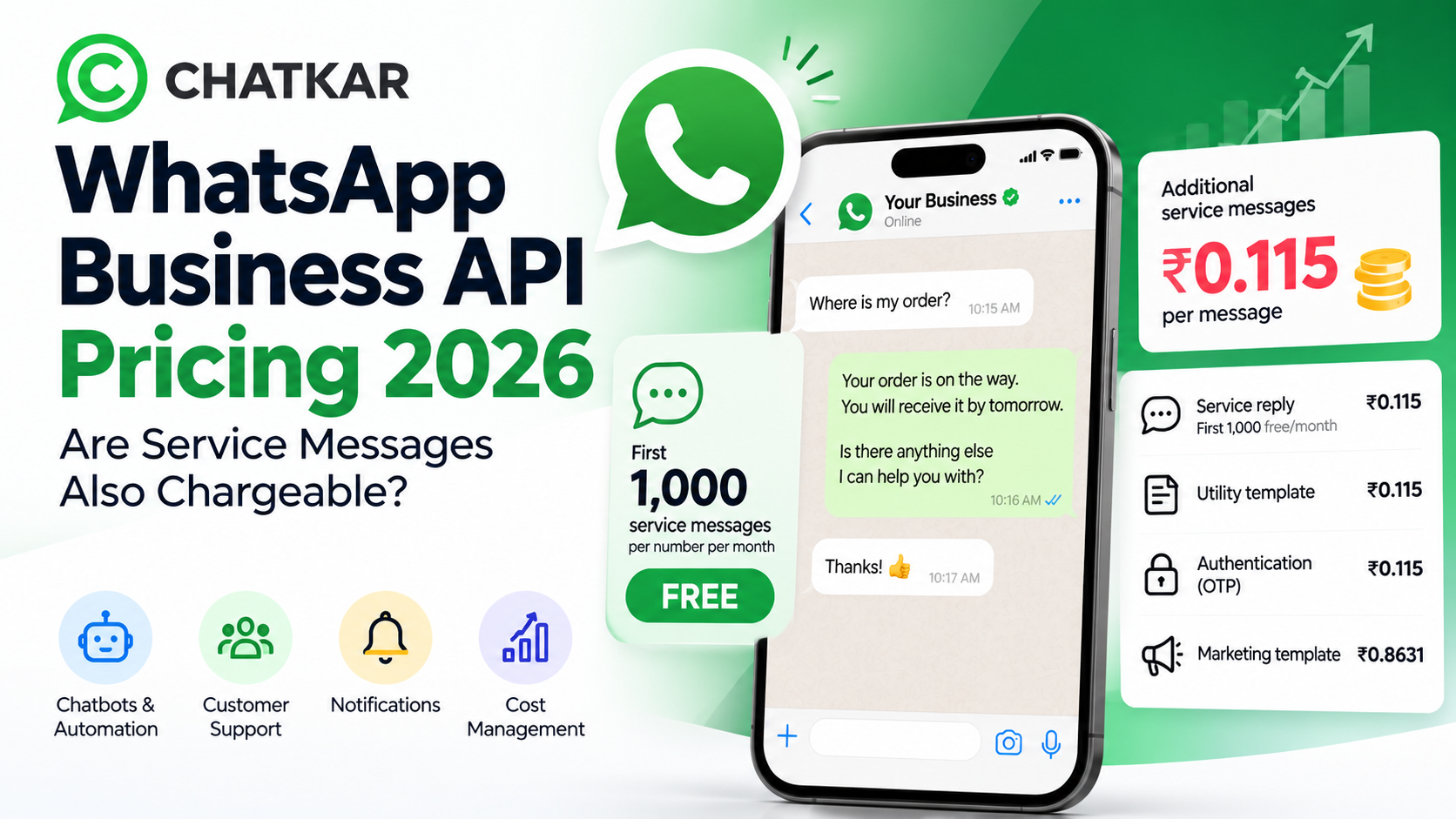
WhatsApp API pricing should therefore be evaluated as a business-system cost, not just as a messaging charge.
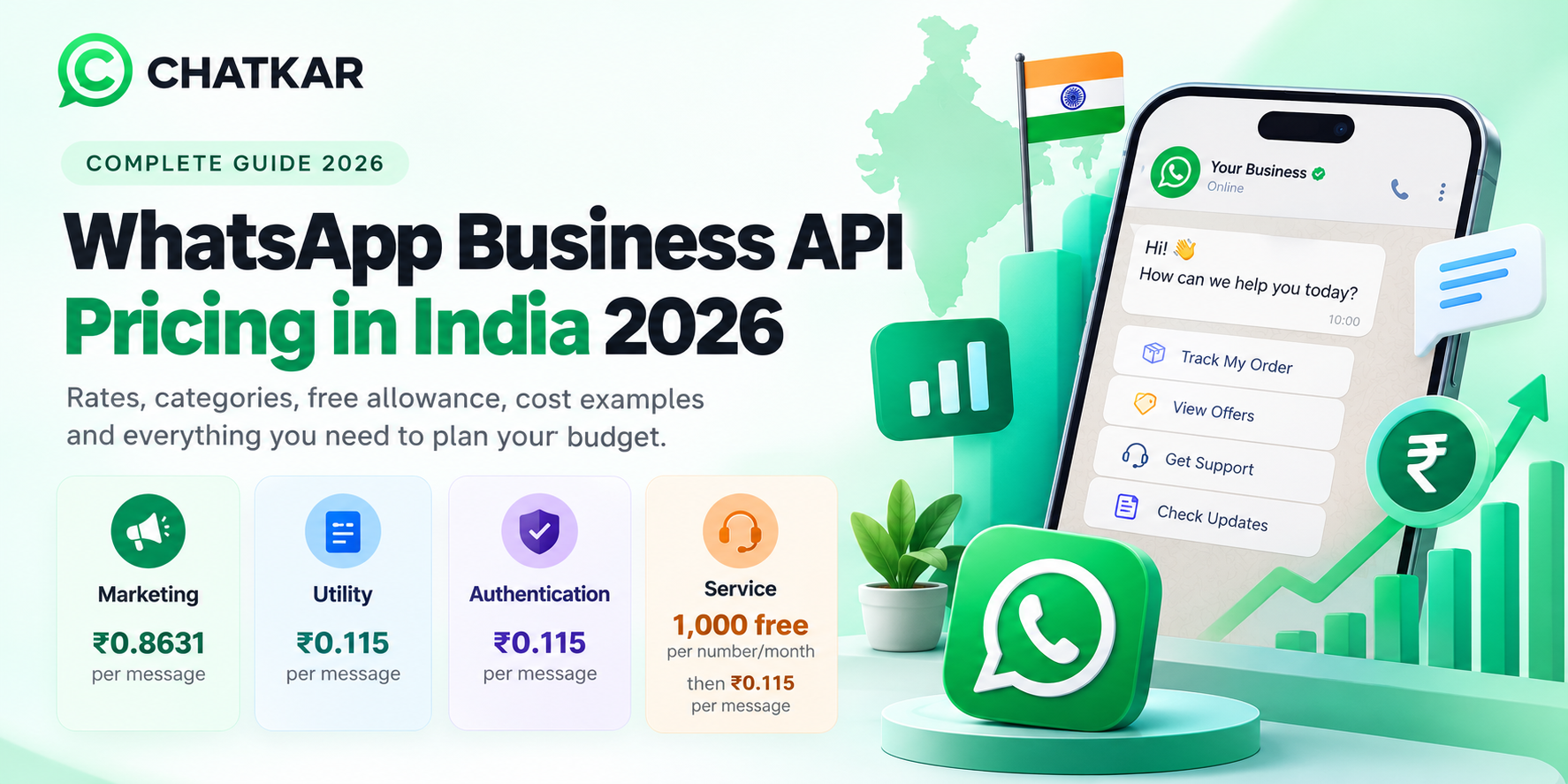
For a detailed India pricing breakdown, see: WhatsApp Business API Pricing in India 2026
When Is WhatsApp Business App Enough?
The Business App can be a practical choice when:
- You manage customer communication yourself.
- Your message volume is manageable.
- Most conversations are manual.
- You do not need a connected CRM workflow.
- You do not require complex automation.
- Your business does not need a large support or sales team.
When Should a Business Move to WhatsApp Business API?
Consider an API-based setup when WhatsApp starts becoming part of your business operations rather than simply another messaging app.
Multiple sales or support agents.
Large numbers of inbound enquiries.
Repetitive workflows need automation.
WhatsApp needs to connect with sales data.
Structured messaging operations are needed.
AI agents or chatbots are part of the workflow.
Pros and Cons of WhatsApp Business App and API
WhatsApp Business App
Pros
- Simple to start
- Familiar WhatsApp experience
- Good for direct manual communication
- Suitable for smaller operations
Limitations
- Less suited to complex automation
- Limited software integration compared with API-based systems
- Less suitable for larger team workflows
- More manual operational work
WhatsApp Business API
Pros
- Connects WhatsApp with software
- Supports structured automation
- Works well with CRM workflows
- Strong fit for team-based communication
- Can support campaigns and AI workflows
Limitations
- Requires more setup
- Software/platform costs may apply
- Messaging policies and templates must be followed
- More operational planning is required
Where ChatKar Fits
Businesses that choose an API-based WhatsApp setup often need another layer to manage the actual customer communication workflow.
ChatKar brings WhatsApp communication, team inboxes, broadcasts, flows, templates, campaigns, AI agents, integrations, catalog, appointments and analytics into one workspace.
Centralized conversations
Flows and routing
Broadcast and messaging workflows
AI-assisted conversations
The goal is not simply to connect a WhatsApp number to an API. The goal is to turn WhatsApp into a structured part of the customer journey.
WhatsApp Business App or API? Use This Decision Guide
Frequently Asked Questions
Is WhatsApp Business App the same as WhatsApp Business API?
No. The Business App is a business-focused WhatsApp application, while the WhatsApp Business Platform includes APIs designed to connect WhatsApp with software and business systems.
Which is better for a small business?
It depends on the workflow. A small business with simple, mostly manual conversations may be comfortable with the Business App. A small business that needs automation, CRM integration or a team inbox may have a use case for an API-based setup.
Can multiple employees use WhatsApp Business API?
API-based communication can be managed through compatible team software, allowing businesses to build shared inbox, assignment and routing workflows.
Can I automate WhatsApp Business App?
The Business App provides built-in messaging tools, but more advanced software-driven automation generally uses the WhatsApp Business Platform and compatible business software.
Does WhatsApp API cost more than the Business App?
Potentially. API-based implementations can involve Meta messaging charges and separate software or platform costs, while the Business App itself is free to download. The actual business cost depends on usage and the tools selected.
Can WhatsApp API connect to a CRM?
Yes. API-based WhatsApp workflows can be connected to CRM and other business software through integrations and APIs.
Can I use AI with WhatsApp API?
Yes. AI assistants, chatbots and AI-agent workflows can be integrated into compatible WhatsApp business systems.
When should I move from the Business App to API?
A common trigger is when WhatsApp becomes too operationally complex to manage manually—for example, when multiple agents, large lead volumes, CRM integration, automation or campaign workflows become important.
Final Thoughts
WhatsApp Business App and WhatsApp Business API are not simply two versions of the same product. They are better understood as solutions for different levels of business communication.
The Business App can be practical for a business that mainly needs simple, direct customer communication. An API-based setup becomes more relevant when WhatsApp needs to connect with people, processes and software across the business.
If your WhatsApp operation is mainly a conversation tool, start with the Business App. If it is becoming a business workflow involving teams, automation, CRM, campaigns, integrations or AI, evaluate the Business Platform and an API-connected solution.
Ready to Scale Your WhatsApp Operations?
Explore ChatKar for team inboxes, automation, campaigns, templates, integrations and AI-powered WhatsApp workflows.
Explore Features View Pricing